Etiketto
Etiketto designs and prints colour labels on the Brother VC-500W (ZINK paper) under Linux, the counterpart to Brother's Color Label Editor.
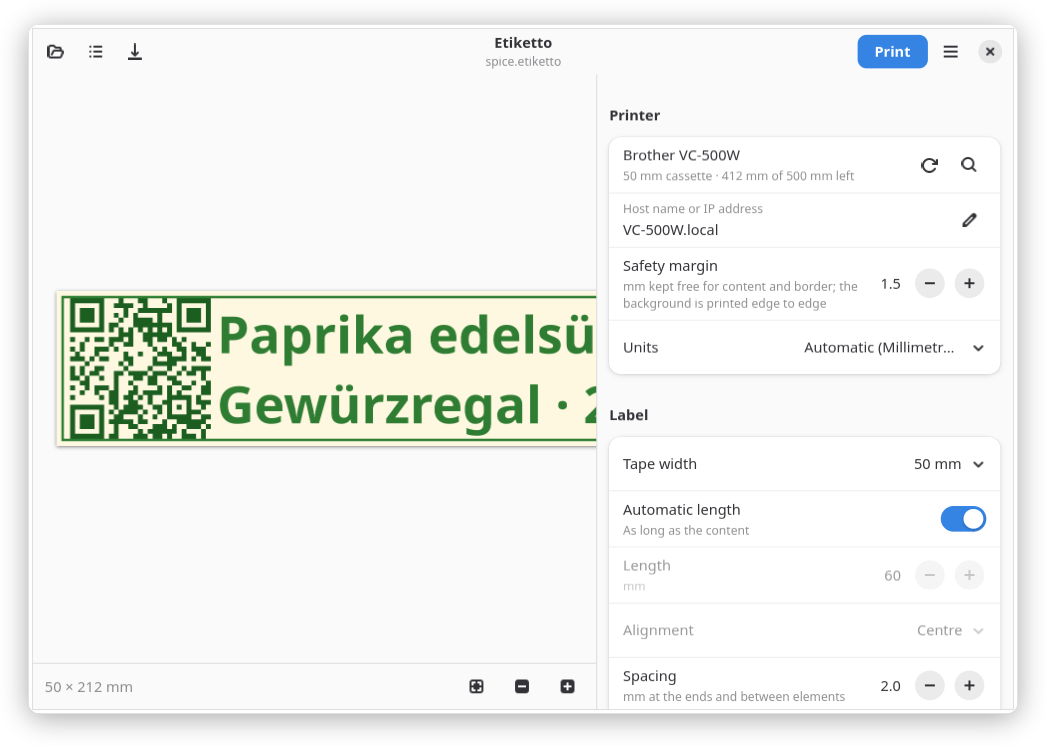
- Text, images, QR codes and barcodes; backgrounds printed edge to edge
- Preview at print resolution: what you see is what is printed
- Cassette detection, vivid colours and cut modes over the network
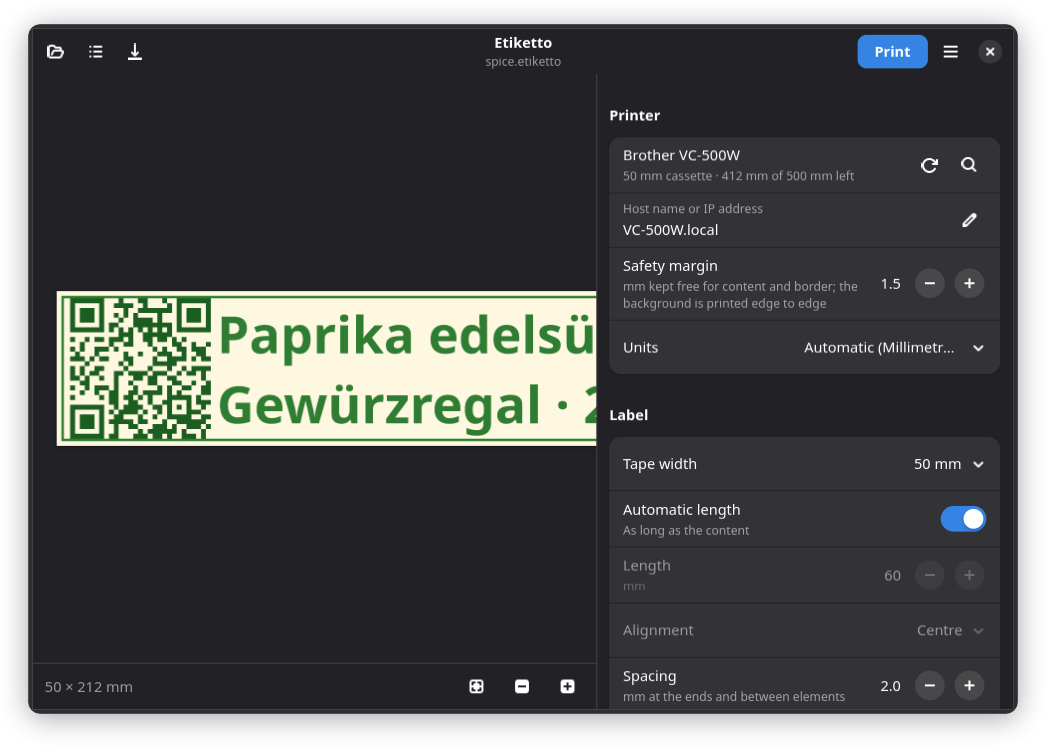
- 26 languages, follows the light or dark mode of the desktop
Printers: Brother VC-500W. Further printers can be added as a backend, see Contribute.
Install
Flatpak
Flathub is in preparation. Until then, build it yourself:
git clone https://git.joshuahirsig.xyz/joshii/etiketto.git && cd etiketto
flatpak install --user flathub org.gnome.Sdk//51 org.gnome.Platform//51
flatpak-builder --user --install --force-clean build-dir \
    build-aux/flatpak/xyz.joshuahirsig.Etiketto.yml
install.sh
Install the system packages, then run the script as your user (no root):
| Distribution | Packages |
|---|---|
| Debian, Ubuntu | python3-gi gir1.2-gtk-4.0 gir1.2-adw-1 python3-gi-cairo python3-venv gettext |
| Fedora | python3-gobject gtk4 libadwaita python3-cairo gettext |
| Arch | python-gobject gtk4 libadwaita python-cairo gettext |
| Gentoo | dev-python/pygobject gui-libs/gtk:4 gui-libs/libadwaita dev-python/pycairo sys-devel/gettext |
git clone https://git.joshuahirsig.xyz/joshii/etiketto.git && cd etiketto
./install.sh
Uninstall: ./install.sh --uninstall or flatpak uninstall xyz.joshuahirsig.Etiketto.
Saved labels and templates are kept.
First label
- Switch the printer on. Etiketto finds it in the network (Bonjour) and detects the inserted cassette.
- Not found? Enter the address under Host name or IP address, e.g.
VC-500W1234.localor192.168.1.50. New printer: set up its Wi-Fi first, see Printer. - Add text, an image or a code, then Print.
- Save stores the label as
.etikettofile, Save as template… adds it to Templates.